Your UPS preventive maintenance report template, filled in on site
Most service companies already have a report their customers know. OHMEE keeps it. Your Word template is set up once, and every visit fills it from the tablet: readings, battery charts, checklist, notes and photos.
What a UPS PM report should hold
If you are building a template from scratch, or checking the one you have, these are the parts customers and auditors look for:
- Customer and site: name, address, site contact, job or contract number, visit date and technician.
- The unit: make, model, serial, rating, voltage, install date and location.
- Operating readings: input and output voltages and currents, frequency, load, and the unit's own status and alarms.
- Batteries: model, quantity, date code, a reference value, each battery's impedance charted per string against warning and replace limits, with its voltage in the tables.
- The checklist: the same items every visit, with a comment on each. See our UPS PM checklist.
- Service notes: inspection, measurements and adjustments, batteries, and the event log, in plain sentences.
- Action Required and Customer Recommendations: what needs doing, by position, and when to budget for batteries.
- Photos: the display screens, the cabinet, and anything that needs a second look.
How OHMEE fills your template
Send us one of your recent reports. During onboarding we turn a copy of your Word document into the template the app fills; it takes us about a day. Your header, tables and wording stay as they are, and your customers keep getting the report they already know.
- The header fills itself from the unit's history and the work order.
- Readings come from the tester over USB, from photos of the display, or by hand, and land in your own tables.
- Each string gets its own chart with its warning and replace lines. The charts are real Word charts, so the office can still edit them.
- The notes are drafted from the numbers, and the checklist prints in your wording.
Checked before it leaves
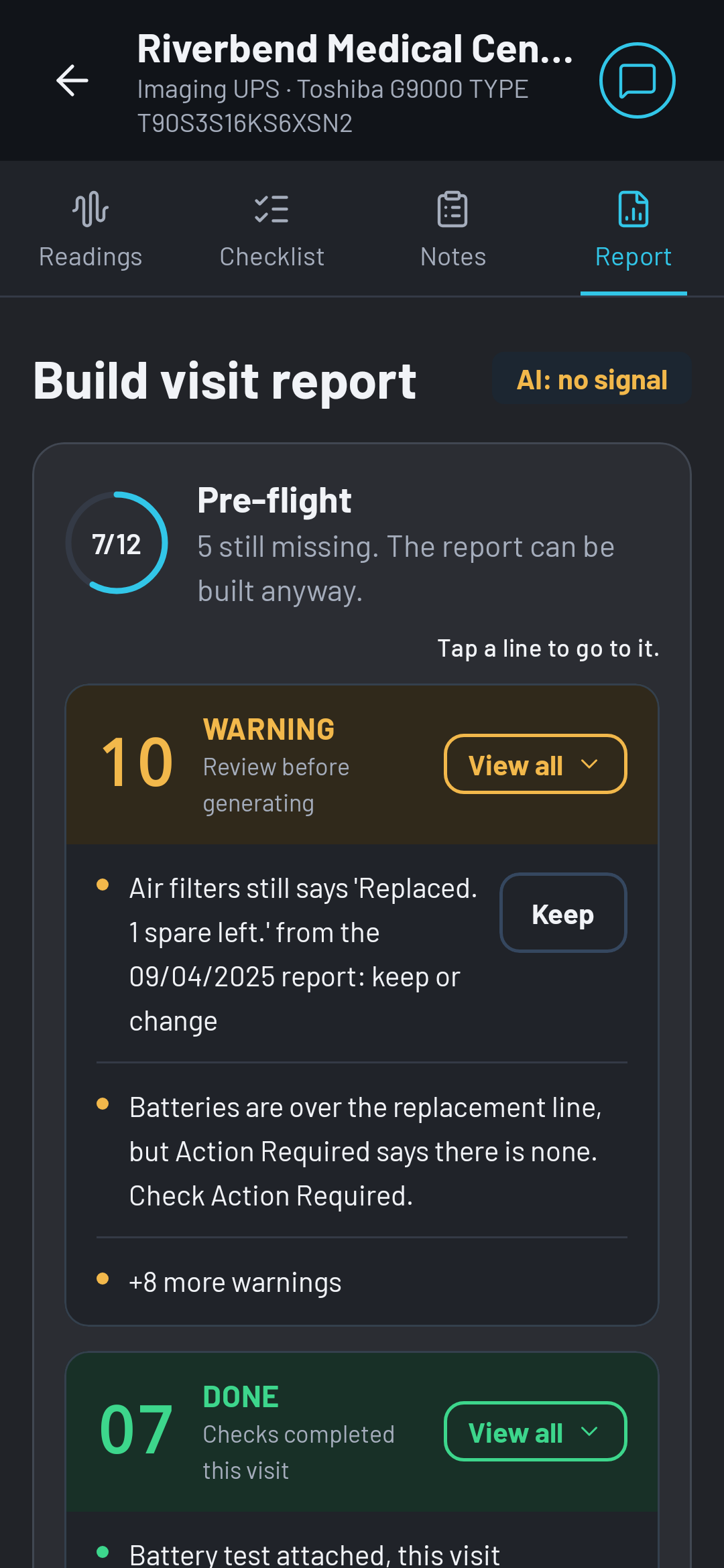
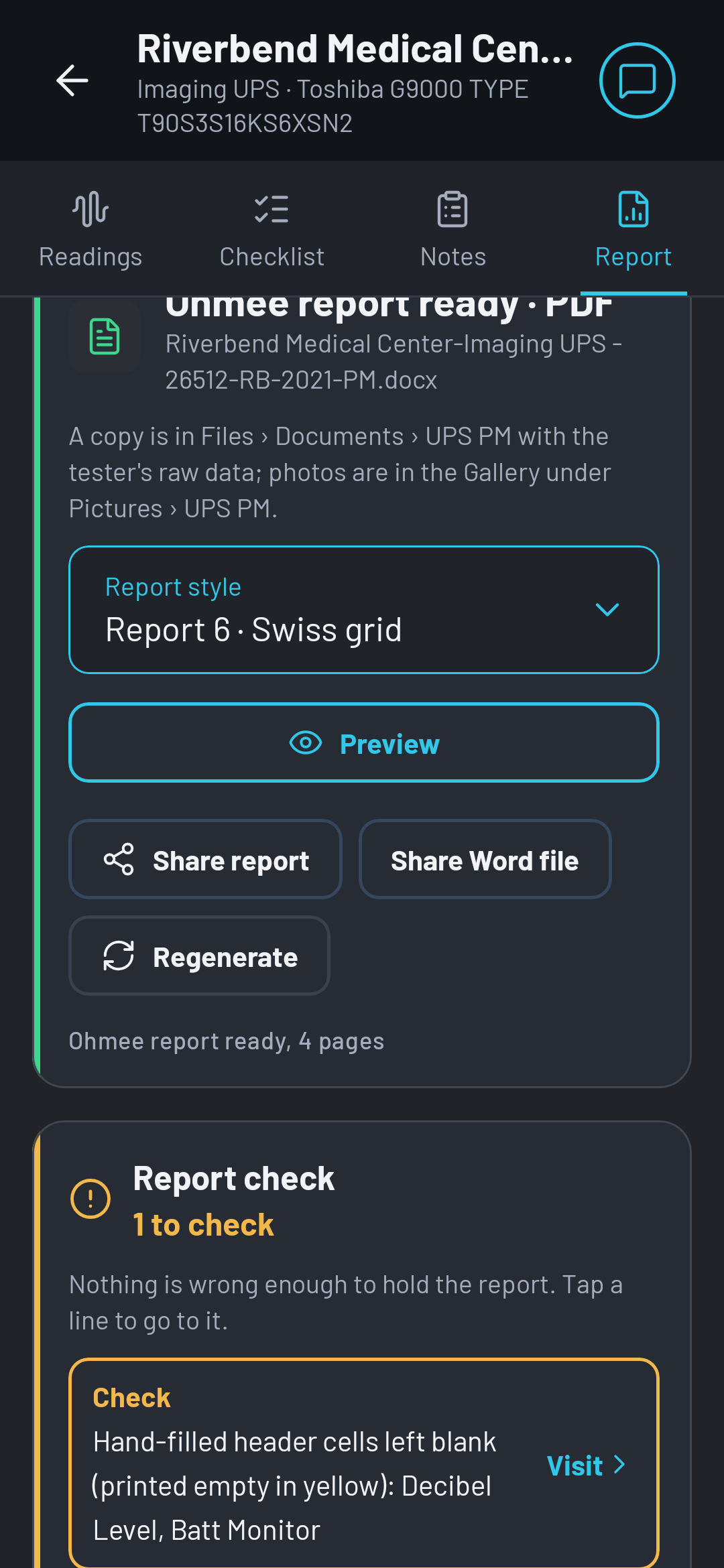
The tablet shows the report as Word lays it out, so what the technician sees is what the office prints. A pre-flight on the Report tab counts what is done and what is still missing before the build. Tables are kept whole across pages. When the visit is marked finished, the Word file and PDF land in your own Dropbox or OneDrive, in the job's folder.
No template yet?
OHMEE also prints its own report style, a designed PDF with the battery charts and the outlook on page one. See a sample report built from the demo visit.
Try it on your own template
The trial runs on your template, not ours. Your first real report is the test.