A UPS preventive maintenance checklist, from real service visits
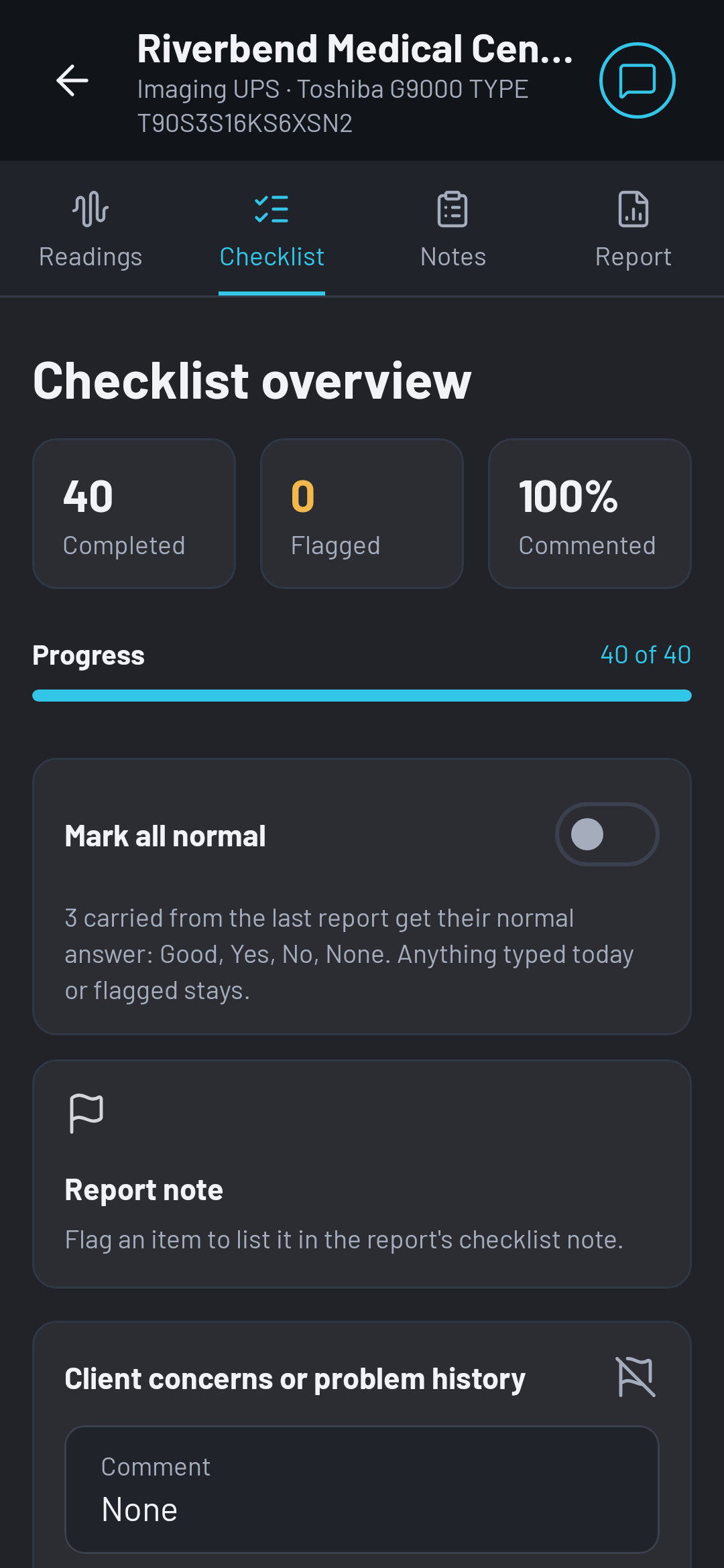
These are the 40 items OHMEE ships with, the checklist a Utah UPS service company prints on its own reports. Use it as a starting point for yours, or bring your own wording.
It is a record of what was checked, not a procedure. Follow the manufacturer's service procedures and your own safety program for how each check is done.
Site and records
- Client concerns or problem history
- Environment (electrical room, data center, warehouse)
- Input, output and bypass breakers labeled
- One-line diagram and bypass procedures posted
- Event history logs reviewed
- Record all operating parameters and statistics
The UPS module
- System status, panel displays and indicators
- Remove covers and inspect interior components
- DC bus capacitors: venting, leakage, fuses, age
- AC capacitors: bulging, leaking, age
- Rectifier and inverter transistors, snubber boards
- Rectifier and charger; power supplies
- Harmonic trap filter currents, choke temperatures
- High-current power connections; cables and plugs
- Thermal scan; fans operational; air filters; internal cleaning
- Balanced input current; calibration if indicated
Transfer and bypass
- Static switch: system transfer to bypass
- Transfer and re-transfer working correctly
- Inverter and bypass synchronization
- System self-tests on restart
- Power check: simulated outage
- Remote alarms and communication
Batteries
- Battery connections tight; terminal corrosion
- Leaking, swelling or excessive venting
- Date code or install date, and age
- Impedance and voltage test of every battery (see IBEX-Pro over USB)
- Battery ground fault; charger ripple current on each string
- Physical integrity of the rack or cabinet
Close-out
- Other tests performed
- Are all system parameters normal?
- Update the service record sticker
How the checklist works in OHMEE
Each item has quick picks, most common answer first ("Good", "Transferred OK", "No hot spots"), so a comment is one tap. Comments carry over from the unit's last report, so the technician touches only what changed. One switch marks every blank item with its normal answer; anything typed or flagged stays as it is. A flag marks an item that needs attention, and the OHMEE report prints it in red.
The checklist prints in your report in your own wording: a company's own list replaces the built-in one. Battery replacement and start-up reports leave the checklist out, and the Report tab stops asking for it.
Your checklist, your wording
Send us your current report and we set up your template and checklist as part of onboarding.